


7 Deadly WordPress Design Mistakes (And How to Fix Them)
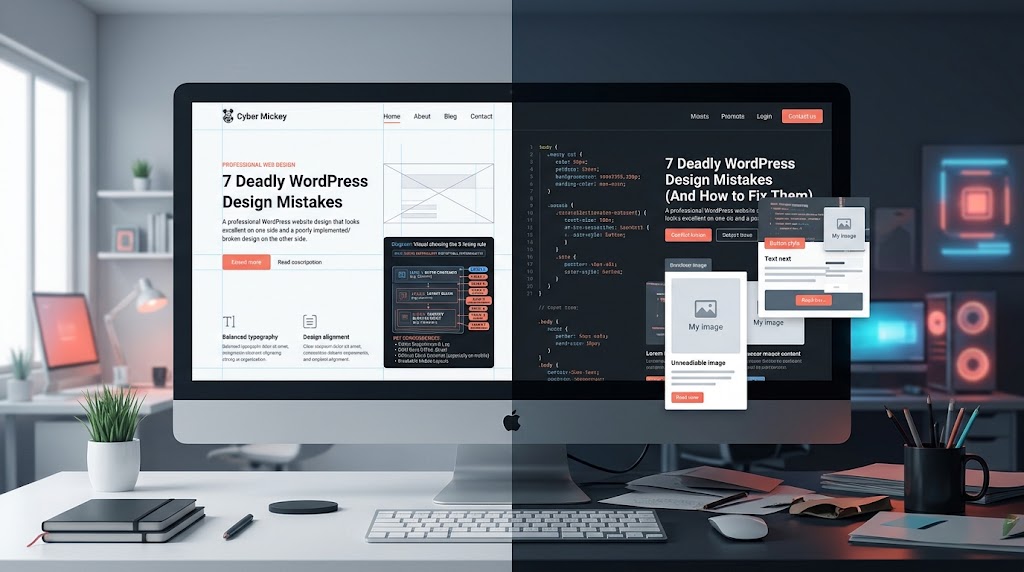
Designing in WordPress looks simple—until your beautiful layout breaks on mobile, your blocks become a tangled mess, or your client’s real content doesn’t fit your perfect mockup. This post breaks down the seven most common WordPress design mistakes, from fighting the vertical stack to ignoring responsive breakpoints, and gives you practical fixes with code examples and a checklist. Whether you’re a designer handing off to developers or a site owner trying to polish your own pages, these fixes will save you hours of frustration.
The Essential 75-Point WordPress Maintenance Checklist
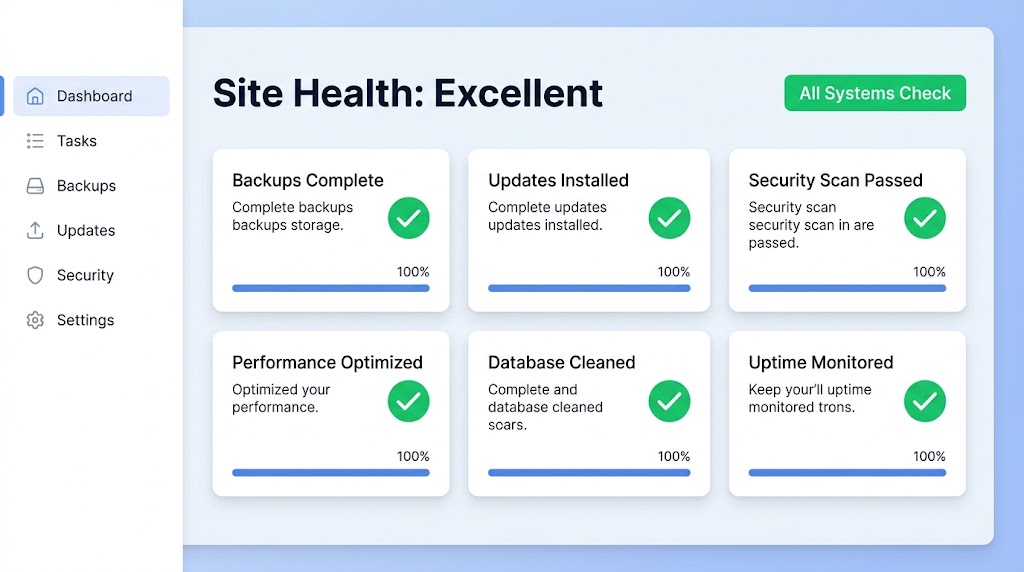
Managing a WordPress site means performing daily, weekly, monthly, and quarterly tasks to keep it running smoothly. This post gives you a comprehensive 75-point maintenance checklist covering backups, security, monitoring, updates, performance, content review, and user audits. You’ll get a maintenance scheduling guide that shows exactly what to do and when, plus emergency maintenance procedures for when things go wrong. Bookmark this checklist—your future self will thank you.
Automated vs. Manual Updates: Finding the Right Balance
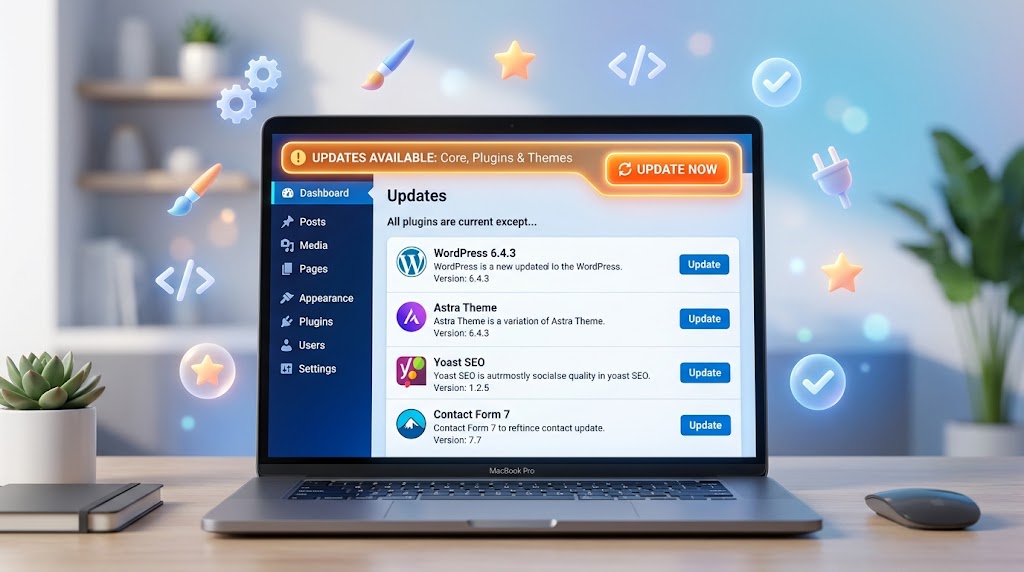
Updates are essential for security—but they can also break your site. So how do you find the right balance between automatic convenience and manual control? This post gives you a practical framework: know your site’s risk level, prioritize updates by type, implement a staging workflow, and use tools like WP-CLI and iThemes Version Management. Includes a ready-to-use update policy template and a pre/post-update checklist.
The Top 5 WordPress Security Vulnerabilities (And How to Fix Them)
Most WordPress breaches aren’t exotic zero-days—they’re predictable: unpatched plugins, weak logins, injectable themes, and missing basic hardening. This post covers the top five WordPress security vulnerabilities and exactly how to fix them. You’ll learn how to handle outdated plugins, weak admin credentials, XSS attacks, exposed admin surfaces, and missing HTTPS and backup hygiene. Includes a four-layer security model, code snippets for secure headers and CSP, and a WordPress security checklist.
How to Choose the Right Managed WordPress Hosting Provider

With so many managed WordPress hosting providers, how do you choose the right one? This post gives you a five-criteria evaluation framework: performance architecture, security infrastructure, developer tools, support quality, and backup/recovery. You’ll get 10 questions to ask any potential host, a provider comparison table, and specific recommendations for agencies, enterprises, and budget-conscious businesses. Stop guessing—choose a host that actually supports your workflow.
Debugging WordPress: Fix the White Screen of Death and Other Errors
The White Screen of Death is every WordPress developer’s nightmare: a blank page, no error message, no clue what broke. This post walks you through fixing WSOD step by step—disabling plugins, switching themes, increasing PHP memory, and enabling debug mode properly. You’ll also learn how to fix upload failures, stuck maintenance mode, connection timeouts, and child theme errors. Includes a debugging flowchart, WP-CLI commands, and a full troubleshooting toolkit.
Internal Linking Strategies That Boost Your Rankings
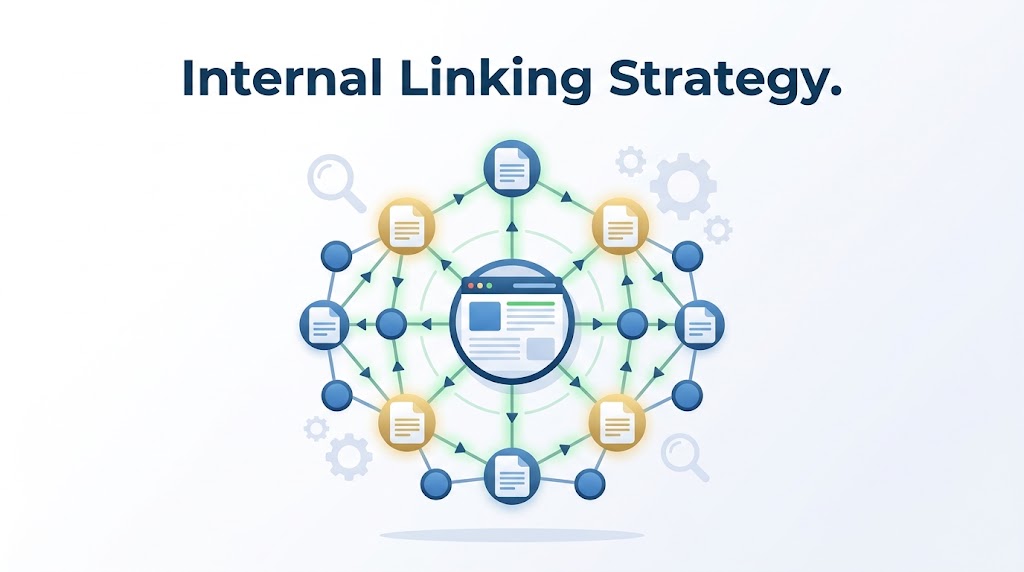
Internal links guide visitors (and Google) from one page to another—but most WordPress sites use them poorly. This post explains the three types of internal links, how to build content silos that distribute authority correctly, and the best practices for anchor text, link equity, and updating old content. Includes a link audit checklist, tool recommendations, and common internal linking mistakes to avoid. If your SEO is stuck, your internal linking strategy might be the missing piece.
10 Common WordPress SEO Mistakes (And How to Fix Them)
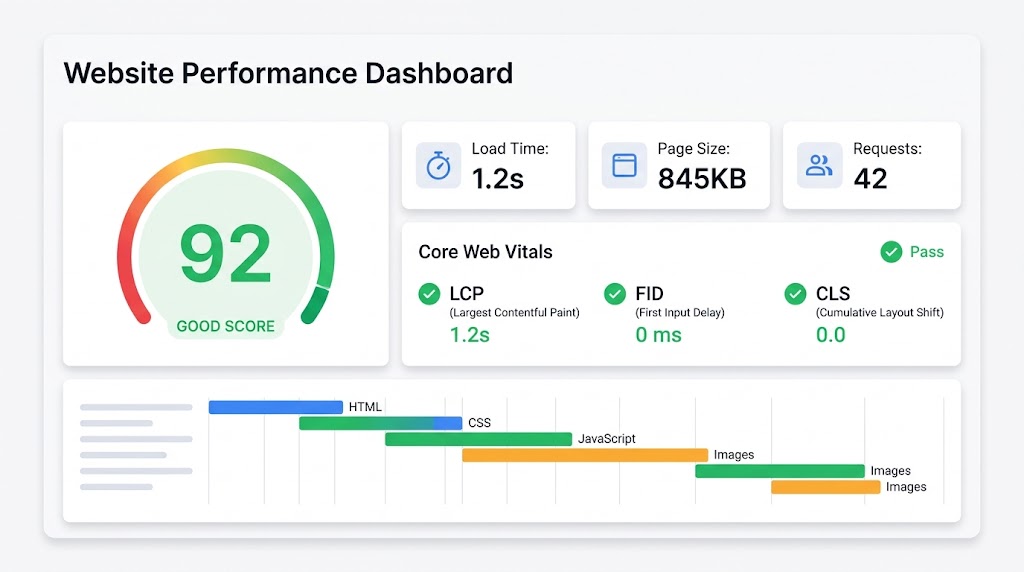
Even seasoned WordPress users make SEO mistakes that stop their sites from getting the attention they deserve. This post covers the 10 most common WordPress SEO mistakes—from wrong permalinks and missing meta descriptions to blocking search engines and ignoring mobile-friendly design—and gives you exact fixes for each. Includes screenshots, code snippets, and a bonus tips section on schema markup, structured data, and Core Web Vitals.
iThemes Security vs. Wordfence: Which WordPress Security Plugin Is Right for You?
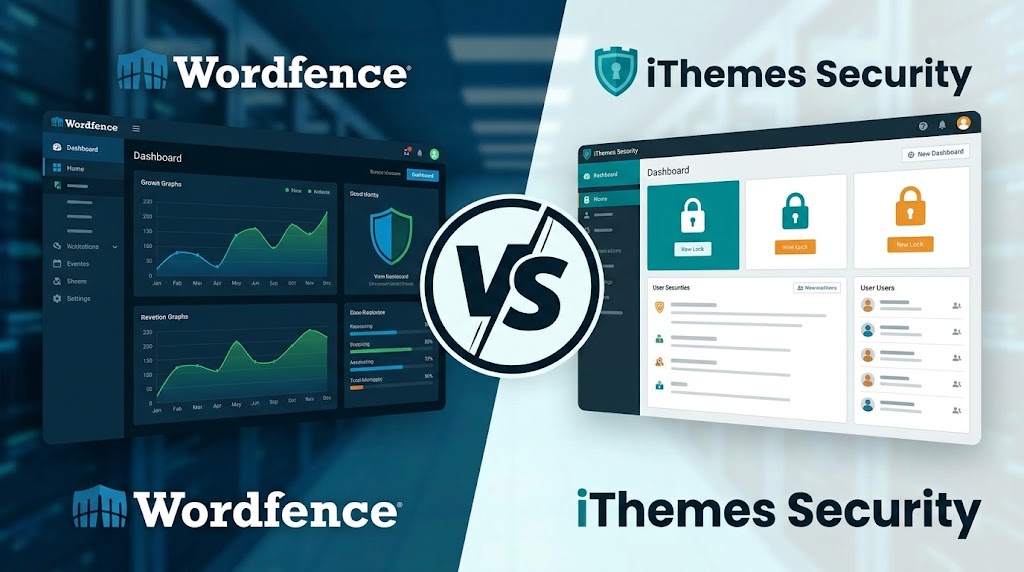
With over 50,000 WordPress sites hacked daily, choosing the right security plugin matters. This post compares iThemes Security and Wordfence feature by feature: WAF, malware scanning, 2FA, brute force protection, live traffic monitoring, and centralized management. You’ll get a full feature comparison matrix, pricing breakdown, and clear recommendations on which plugin to choose based on your site type, budget, and technical needs. Includes implementation checklists for both plugins.
Two-Factor Authentication: Your First Line of Defense Against Hackers

Passwords alone aren’t enough. Two-Factor Authentication (2FA) can prevent 99.9% of account takeover attacks—but only if you set it up correctly. This post explains the four types of 2FA for WordPress (authenticator app, SMS, email, hardware token), which ones are actually secure, and how to implement them using iThemes Security or Wordfence. Includes setup instructions, code examples, and best practices for different user roles. Plus, learn about passwordless logins and magic links as the next step in WordPress security.
