


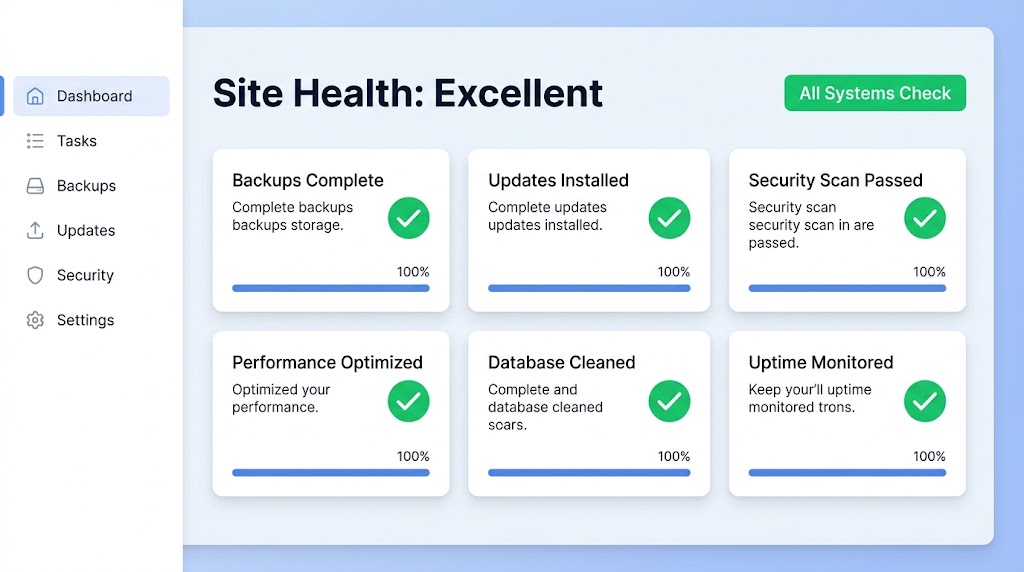
Managing a WordPress site means performing daily, weekly, and monthly tasks to keep it running smoothly. Here’s the comprehensive 75-point checklist your agency needs to keep every WordPress site secure, fast, and reliable.
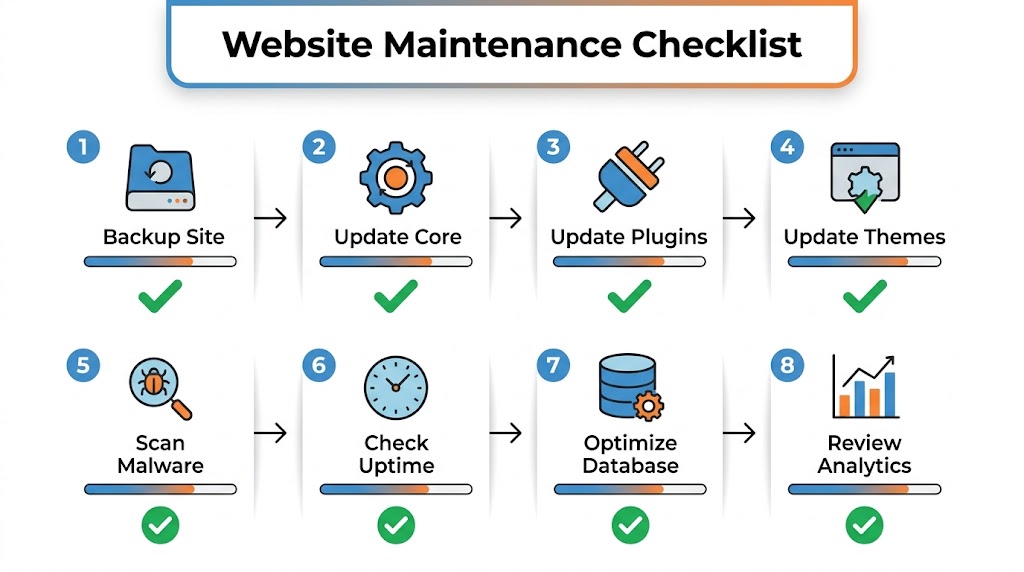
📋 Daily Maintenance Tasks
Backups
- Confirm automatic WordPress backups are running at scheduled intervals
- Confirm backups are delivering to a safe, off-site storage destination
- Set up redundant backups (two or more locations)
Security
- Review security logs for suspicious activity
- Check brute force attack logs
- Enable Network Brute Force Protection
- Turn on File Change Detection
Monitoring
- Monitor WordPress uptime
- Review uptime/downtime stats (uptime percentage, total downtime, number of downtimes)
- Enable email notifications for downtime
📅 Weekly Maintenance Tasks
WordPress Core Updates
- Update WordPress core to latest version
- Test updates on staging environment first
- Run a backup before updating
Plugin and Theme Updates
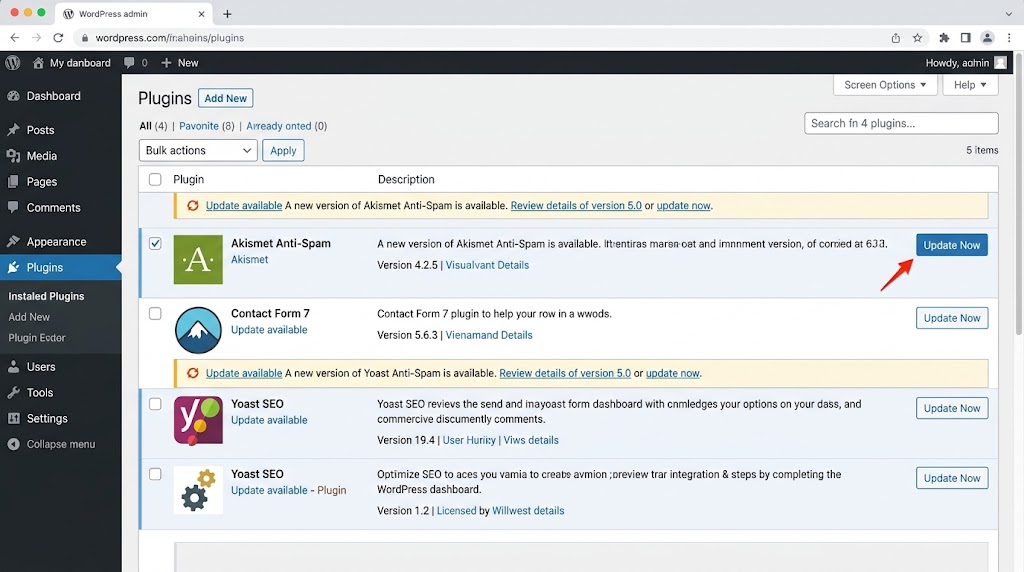
- Update active plugins to latest version
- Update current theme to latest version
- Confirm premium themes and plugins have current licenses
- Run a backup before any updates
- Delete and completely remove unused themes and plugins
Comments
- Approve & reply to pending comments
- Empty spam comments
- Make sure anti-spam service is activated (Akismet)
Content
- Review top-performing posts for improvements
- Add new posts weekly to keep blog fresh
- Add & confirm email newsletter signup is working
- Confirm social sharing buttons are working
- Add featured images to posts
- Review Post drafts & delete unneeded posts
- Empty Posts stored in Trash
Images
- Optimize images for the web (reduce file sizes for images above 600KB)
- Delete unused images from the Media Library
- Review and add alt tags to images in posts and pages
📆 Monthly Maintenance Tasks
Performance
- Run performance tests (GTmetrix, Google PageSpeed)
- Optimize database
- Review caching configuration
- Check CDN integration
Security
- Run a comprehensive security scan
- Review user roles and permissions
- Remove any unused user accounts
- Check for suspicious files
- Review file permissions
SEO
- Check for broken links
- Review meta descriptions for top pages
- Submit sitemap to Google Search Console
- Check for 404 errors
Content
- Review content regularly, update information, links, and meta descriptions
- Combine shorter, similar posts into long, detailed ones
- Schedule a content review plan for every 3–6 months
📊 Quarterly Maintenance Tasks
Major Audits
- Complete SEO audit
- Review Core Web Vitals scores
- Test site on multiple browsers and devices
- Review accessibility compliance
- Backup restore test
User Audits
- Review all user accounts
- Remove inactive accounts
- Update user roles if needed
🚨 Emergency Maintenance Tasks
- Quick disable all plugins (rename plugins folder)
- Switch to default theme
- Increase PHP memory limit
- Enable WordPress debug mode
- Run database repair
- Contact managed hosting support
📊 Maintenance Scheduling Guide
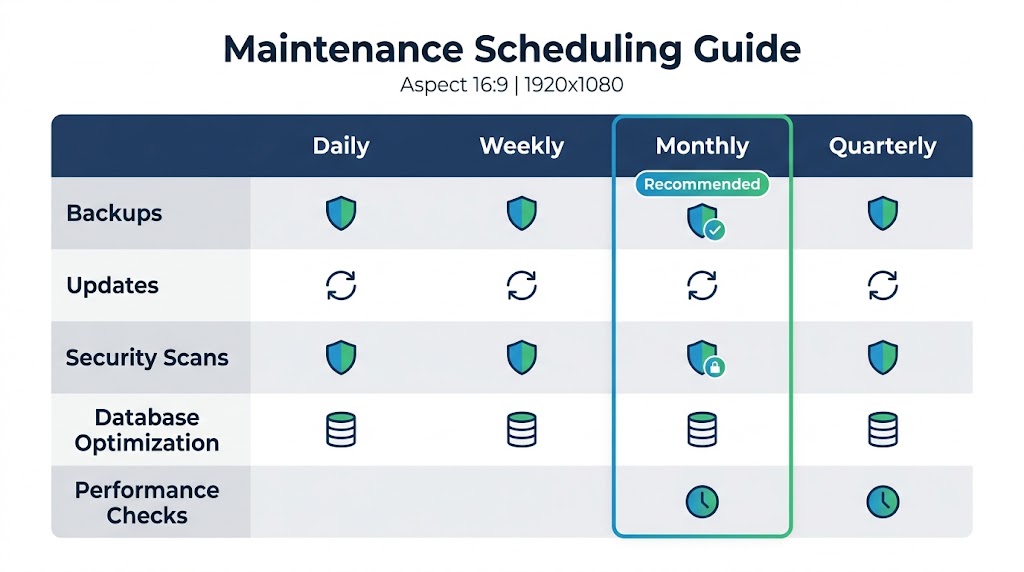
| Task | Daily | Weekly | Monthly | Quarterly | Emergency |
|---|---|---|---|---|---|
| Backups | ✅ | ✅ | ✅ | ✅ | |
| Updates | ✅ | ||||
| Security scan | ✅ | ✅ | ✅ | ||
| Performance check | ✅ | ✅ | ✅ | ||
| Content review | ✅ | ✅ | |||
| User audit | ✅ | ||||
| Restore test | ✅ |
Following this 75-point WordPress maintenance checklist will keep your site secure, fast, and reliable. Whether you manage a single site or a portfolio of client websites, consistency is the key to long-term success.
Recent Post

September 10, 2026
WP-CLI: 15 Commands Every WordPress Developer Should Know

September 9, 2026
10 Essential WordPress Design Plugins for a Modern.

September 8, 2026
From Figma to WordPress: A Designer’s Handoff Checklist

September 7, 2026
Accessibility in WordPress Design: Your Ethical and Legal.

July 12, 2026
