


WP-CLI: 15 Commands Every WordPress Developer Should Know

If you’re still updating plugins through the WordPress admin panel, you’re working too slow. WP-CLI is the command-line tool that lets you update core, manage users, export databases, run search-replace, and generate test content in seconds. This post covers the 15 WP-CLI commands every developer should know, with real examples and two automation scripts for daily maintenance and site migrations. Includes an efficiency comparison showing how WP-CLI is up to 900x faster than the admin panel.
10 Essential WordPress Design Plugins for a Modern Website
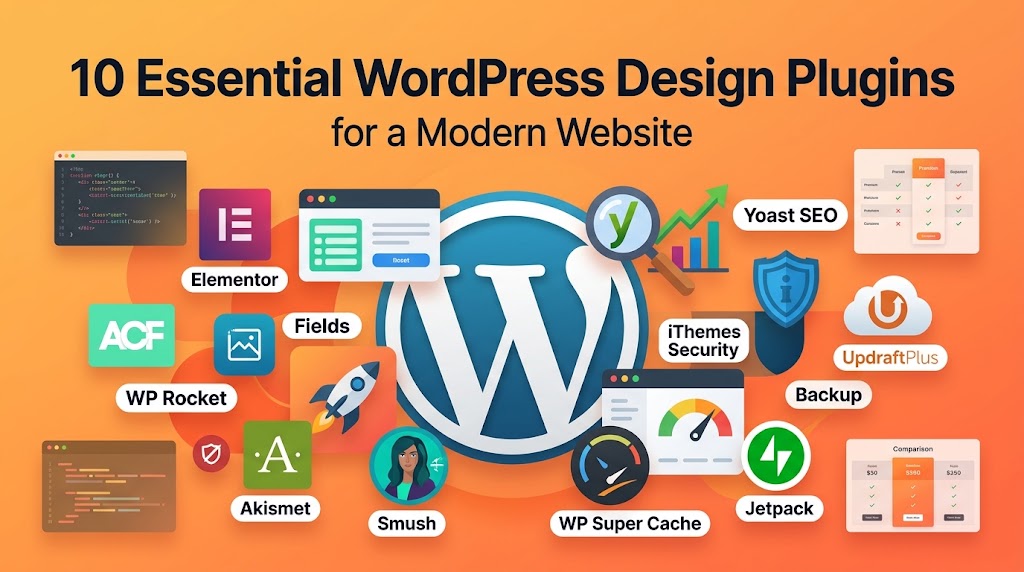
The right plugins can turn WordPress into a full design studio—but the wrong ones will crush your site speed. This post reviews 10 essential WordPress design plugins (from ACF and Elementor to WP Rocket and Yoast SEO), explains when to use each one, and shows their performance impact. You’ll learn the golden rule of plugin management, how to avoid conflicts, and a smart checklist for keeping your plugin stack lean and fast.
From Figma to WordPress: A Designer’s Handoff Checklist
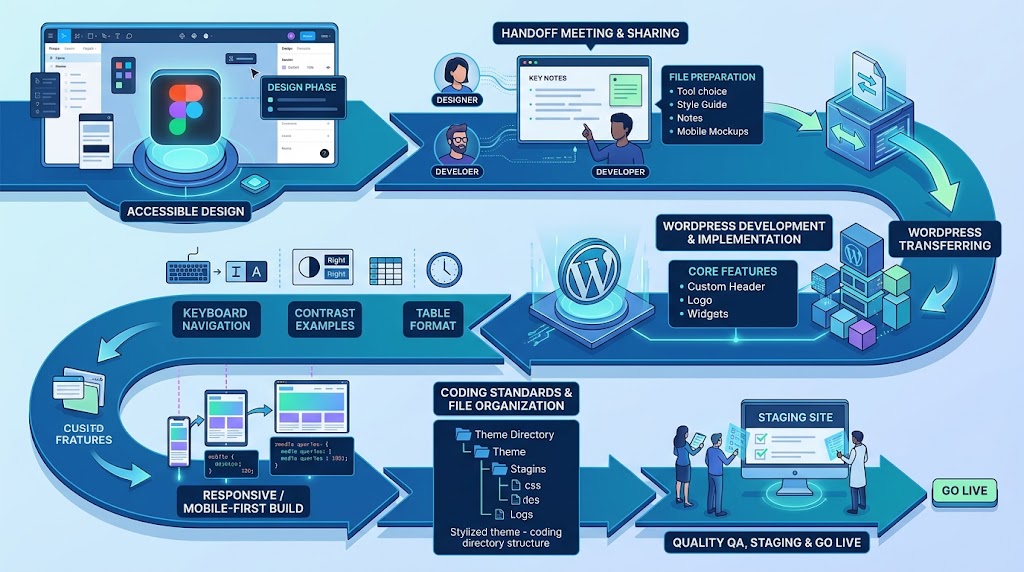
The handoff between design and development is where most projects stall. Missing notes, unlicensed fonts, and designs that ignore Gutenberg’s structure lead to endless revision cycles. This guide gives you a complete Figma-to-WordPress handoff checklist—what to document, which screens to mock up, how to prepare assets, and how to communicate with developers so your vision actually ships. Includes a downloadable-style checklist table and WordPress coding structure examples.
Accessibility in WordPress Design: Your Ethical and Legal Guide
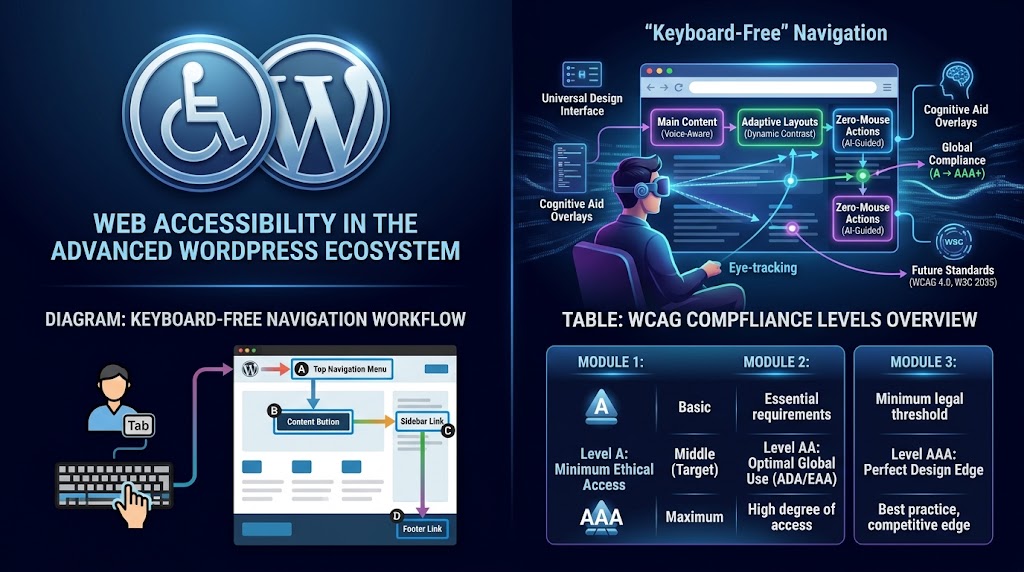
Over 1 billion people live with a disability—and accessibility lawsuits are rising every year. This guide covers the five most common accessibility mistakes in WordPress design (poor contrast, missing alt text, broken heading structure, keyboard traps, and missing ARIA labels) and shows you exactly how to fix them with code. You’ll also learn why accessibility and SEO are deeply connected, plus a testing checklist and the essential WordPress accessibility plugins.
The Root Access Fallacy: Why Developers Should Embrace Managed Hosting

“Real developers need root access.” It sounds logical—but it’s a fallacy that’s costing agencies time, money, and sanity. This post breaks down why root access actually shackles your most expensive talent to low-value maintenance tasks, and what true managed hosting provides instead: Git integration, SSH, WP-CLI, staging, and automatic scaling. Includes the agency math on self-managed vs. managed hosting, and a decision matrix to help you choose.
WordPress File Permissions: The Developer’s Security Checklist
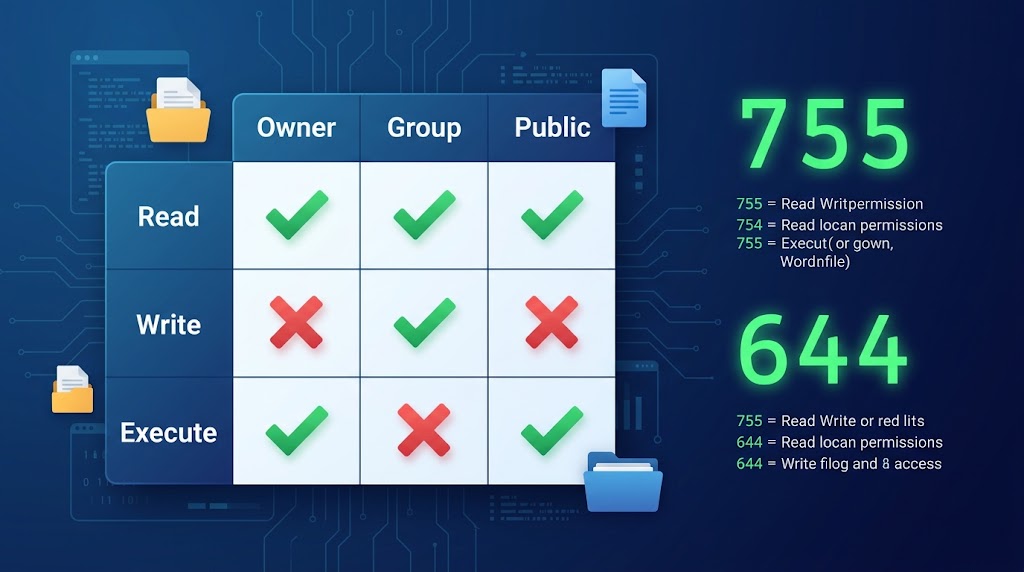
Incorrect file permissions can either lock you out of your site or leave it wide open to hackers. This post explains WordPress file permissions in plain English: what the numbers mean, which permissions are correct for core files, wp-content, and wp-config.php, and the most common permission mistakes (777 on directories, 400 on wp-config, inconsistent staging/live permissions). Includes an audit checklist, an automated permission script, and a table of correct values for every file and directory.
Tags vs. Categories: A Structural Approach to WordPress SEO
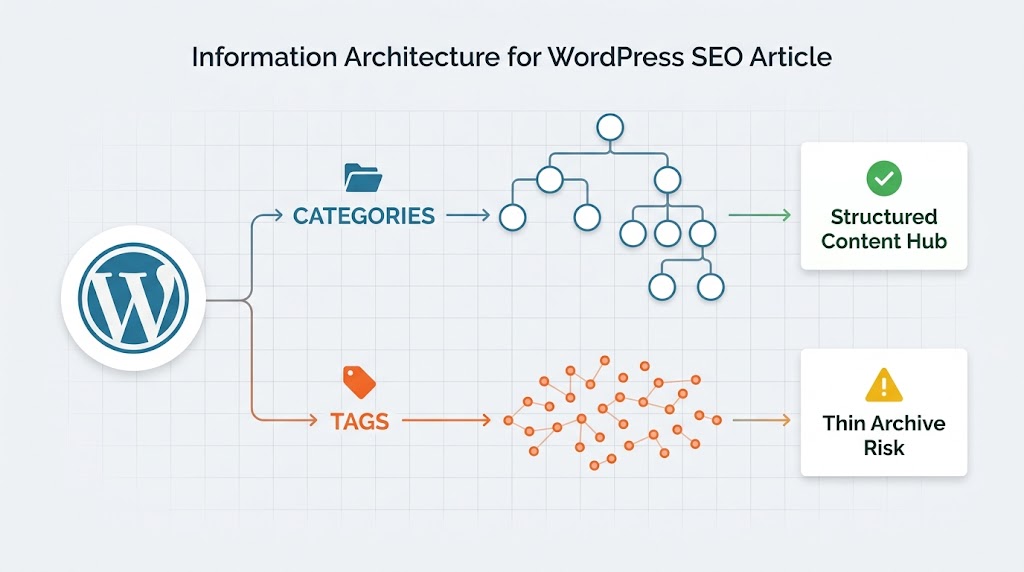
Tags and categories are the foundation of WordPress information architecture—and misusing them can create serious SEO problems. This post explains why WordPress’s default behavior (automatically creating indexable archive pages for every tag and category) can hurt your rankings, and how to use taxonomies deliberately. You’ll learn the difference between tags and categories, when to use each, how to audit and clean up your taxonomy, and how to implement technical fixes if needed.
How to Optimize Your WordPress Database for Better Performance
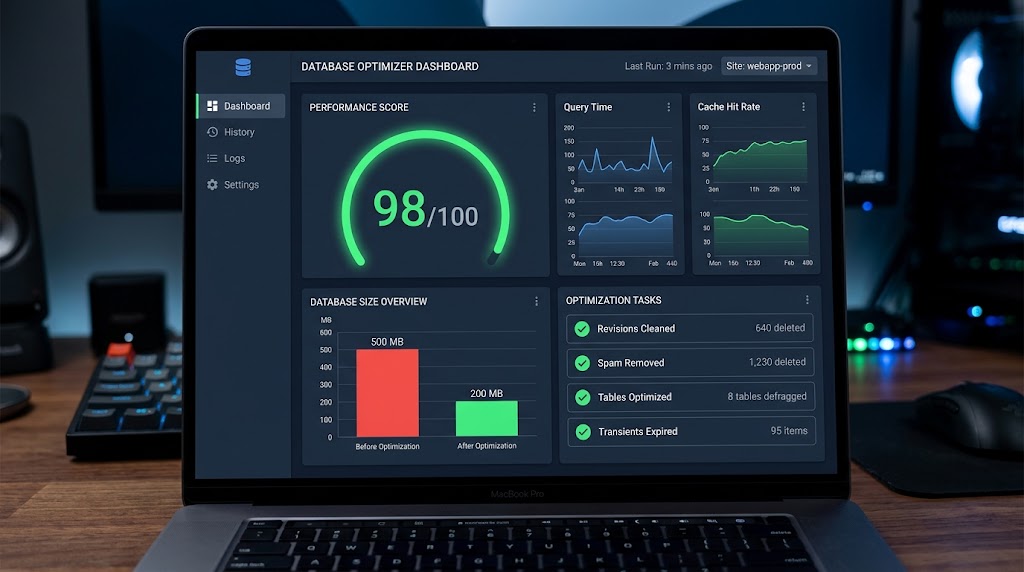
A bloated WordPress database slows down your entire site. This post shows you how to clean, optimize, and maintain your database for better performance: removing post revisions, deleting spam comments, cleaning orphaned metadata, clearing transients, and optimizing tables. Includes SQL queries you can run directly, WP-CLI commands, a plugin comparison, and real performance benchmarks showing a 60% database size reduction and 2x page load improvement.
WordPress SEO Tools: A 2026 Toolkit for Better Rankings
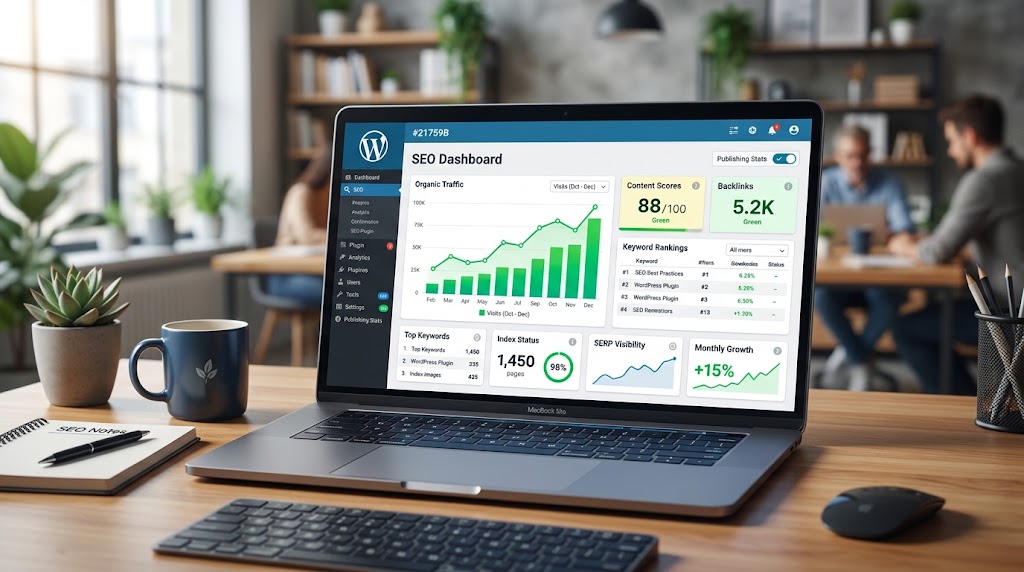
The right tools can transform your WordPress SEO—but only if you know which ones to use and when. This post gives you a complete 2026 toolkit: core SEO plugins (Yoast, Rank Math), performance tools (PageSpeed Insights, GTmetrix, Jetpack Boost), analytics tools (Google Analytics, Search Console), content tools, link-building tools, and technical SEO tools. Includes a tool comparison table, a monthly SEO workflow template, and recommendations for every budget level.
5 WordPress Performance Tweaks That Will Save You Hours
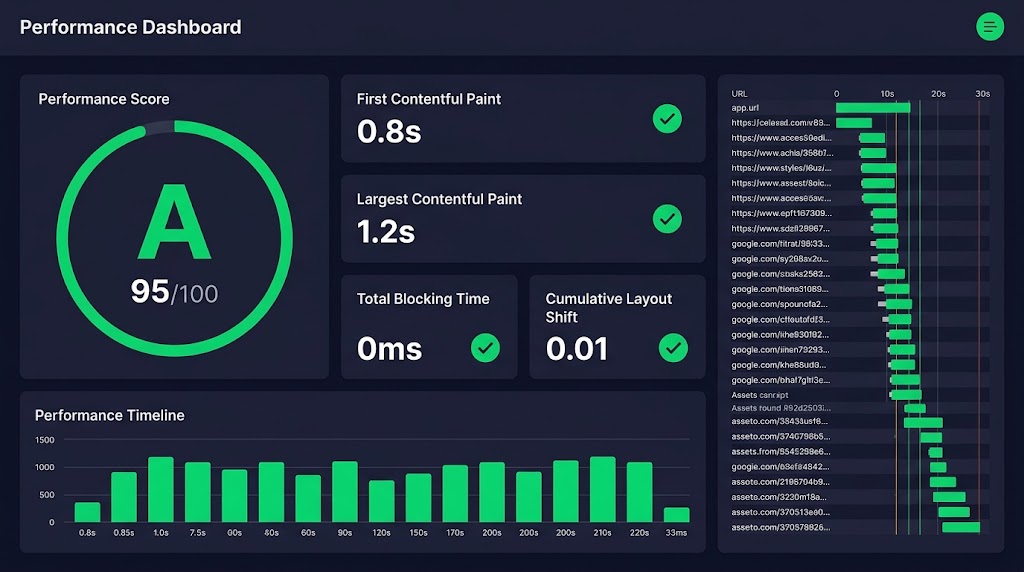
Every second counts—and slow WordPress sites lose visitors and rankings. This post covers five performance tweaks that deliver immediate results: server-level caching, automatic image optimization, reducing unused scripts, fixing broken links, and implementing a content review schedule. Each tweak includes implementation steps, code snippets, and the time you’ll save. Includes a performance optimization schedule and a speed improvement checklist.
