


The Essential 75-Point WordPress Maintenance Checklist
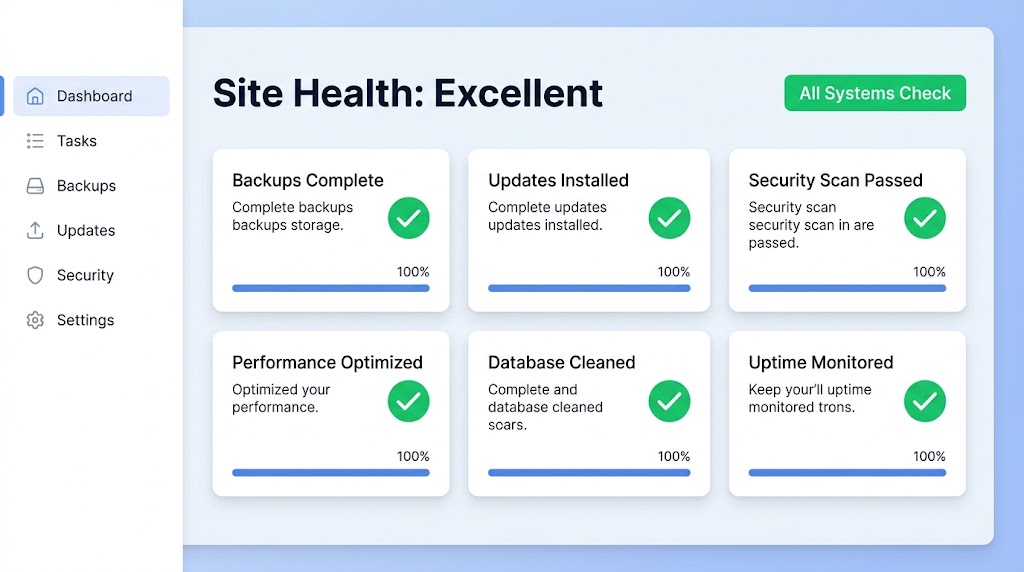
Managing a WordPress site means performing daily, weekly, monthly, and quarterly tasks to keep it running smoothly. This post gives you a comprehensive 75-point maintenance checklist covering backups, security, monitoring, updates, performance, content review, and user audits. You’ll get a maintenance scheduling guide that shows exactly what to do and when, plus emergency maintenance procedures for when things go wrong. Bookmark this checklist—your future self will thank you.
Automated vs. Manual Updates: Finding the Right Balance
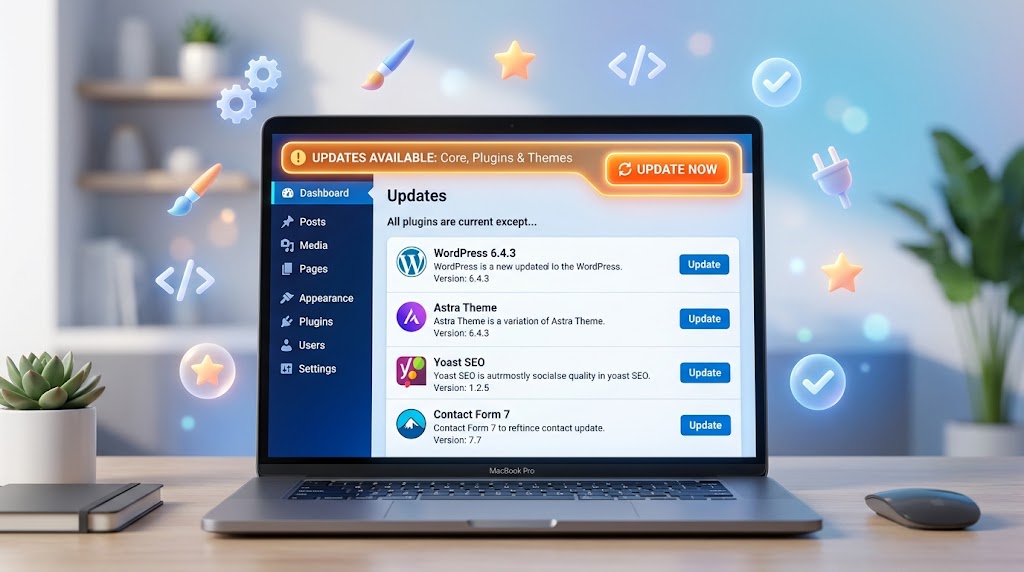
Updates are essential for security—but they can also break your site. So how do you find the right balance between automatic convenience and manual control? This post gives you a practical framework: know your site’s risk level, prioritize updates by type, implement a staging workflow, and use tools like WP-CLI and iThemes Version Management. Includes a ready-to-use update policy template and a pre/post-update checklist.
