


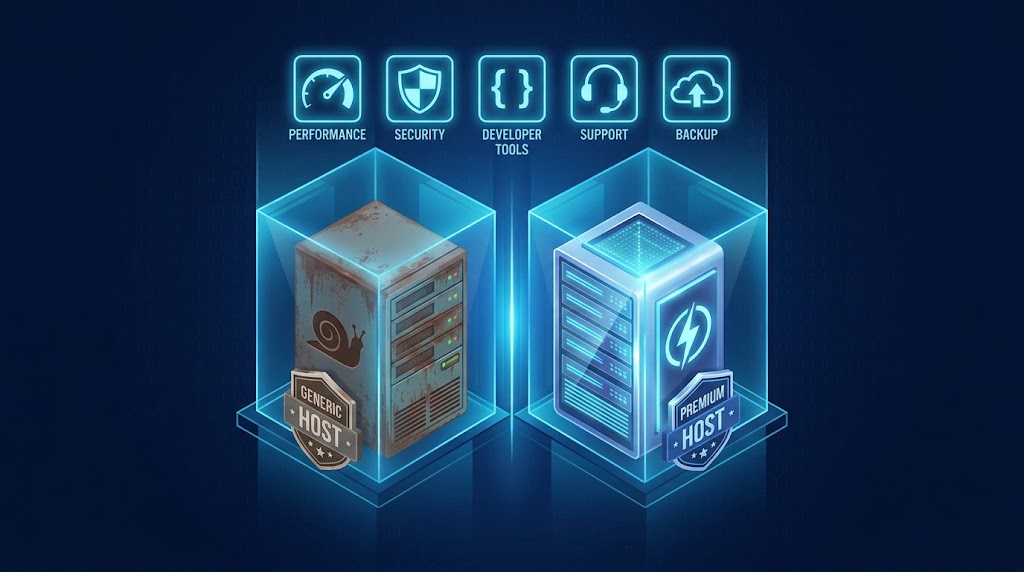
With so many managed WordPress hosting providers available, how do you choose the right one for your needs? Price alone tells you very little — what actually matters is the architecture, the security model, the developer tooling, and the people standing behind the platform. Below is the exact framework we use at Cyber Mickey when we evaluate managed WordPress hosting for our clients and agency partners.
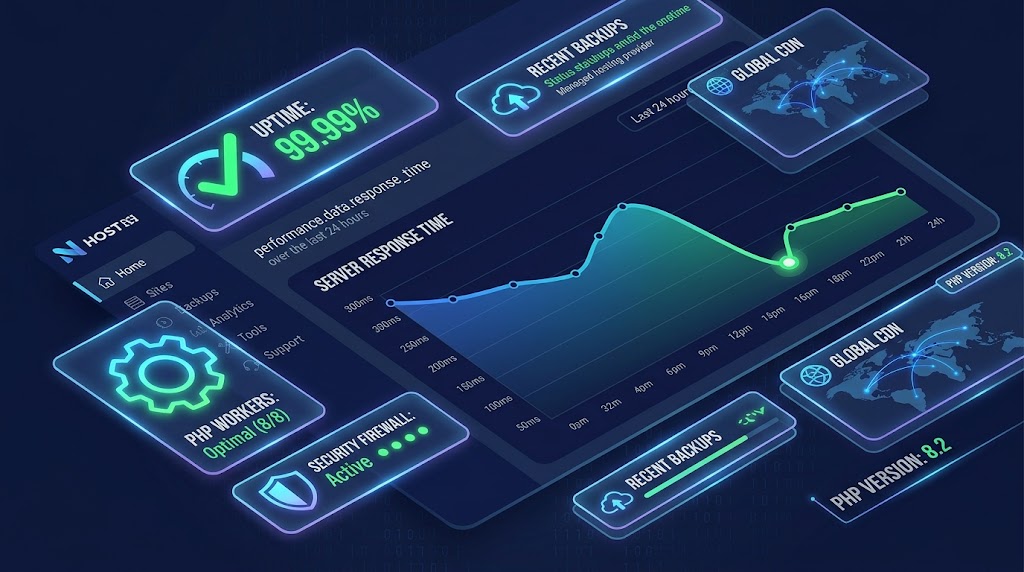
The 5 Essential Criteria
1. Performance Architecture
“Throwing hardware at a performance problem is a temporary fix, not a strategy. True managed hosting is about elasticity and architecture, not just raw specs.”
Questions to Ask:
- Do they use containerized technology (LXD containers) or traditional VPS?
- What caching layers are implemented? (Varnish / Redis)
- How do they handle PHP worker concurrency?
- Do they have a CDN integration?
- What is their guaranteed server response time?
Red Flags:
- “Just add more RAM” offered as the solution
- No mention of caching architecture
- No CDN integration
- Shared server architecture
2. Security Infrastructure
“What agencies often miss is that true managed hosting moves security functions to the server level.”
Essential Security Features:
- Web Application Firewall (WAF)
- DDoS protection
- Server-level malware scanning
- Automatic security patching
- Account isolation (not shared server)
- SSL certificates (Let’s Encrypt included)
Security Checklist:
- ☐ WAF (not just plugin-based)
- ☐ DDoS protection
- ☐ 24/7 security monitoring
- ☐ Automatic vulnerability scanning
- ☐ Server-level patching
- ☐ SSL certificates included
- ☐ Account isolation
- ☐ Backup with off-site storage
3. Developer Tools
“True enterprise-grade managed platforms provide the tools you actually need to build: Git integration, SSH access, WP-CLI, and one-click staging environments.”
Essential Developer Features:
- Git integration (deploy from GitHub / Bitbucket)
- SSH access
- WP-CLI pre-installed
- Staging environment with one-click cloning
- PHP version management
- WP_DEBUG support
Questions to Ask:
- Can I deploy via Git?
- Is WP-CLI available?
- How easy is it to create a staging site?
- Can I switch PHP versions?
- Is debugging supported?
4. Support Quality
“With a budget host, support follows a script. With a premium managed partner, you are often speaking to an engineer who can help you identify why your custom query is slow.”
Support Evaluation:
- Response Time: How quickly do they respond?
- Expertise Level: Script-reader or actual engineer?
- Communication Channels: Phone, email, chat?
- Knowledge Base: Comprehensive documentation?
- Proactive Monitoring: Do they reach out when they see issues?
Good Support Indicators:
- They provide Slow Query Logs when you report performance issues
- They explain technical issues clearly
- They offer proactive optimization suggestions
5. Backup and Recovery
“Schedule automatic daily backups, or even more frequently for high-traffic sites. Store them in multiple locations — such as the cloud and offline storage — and test your restores to make sure they work.”
Backup Requirements:
- Automatic daily backups
- Off-site storage (not on the same server)
- One-click recovery
- Tested restore process
- Multiple retention periods
Backup Quality Check:
- ☐ Daily automated backups
- ☐ Database + files backed up
- ☐ Off-site storage
- ☐ One-click restore
- ☐ Backup retention (30+ days)
- ☐ Restore process is tested
Provider Comparison Framework
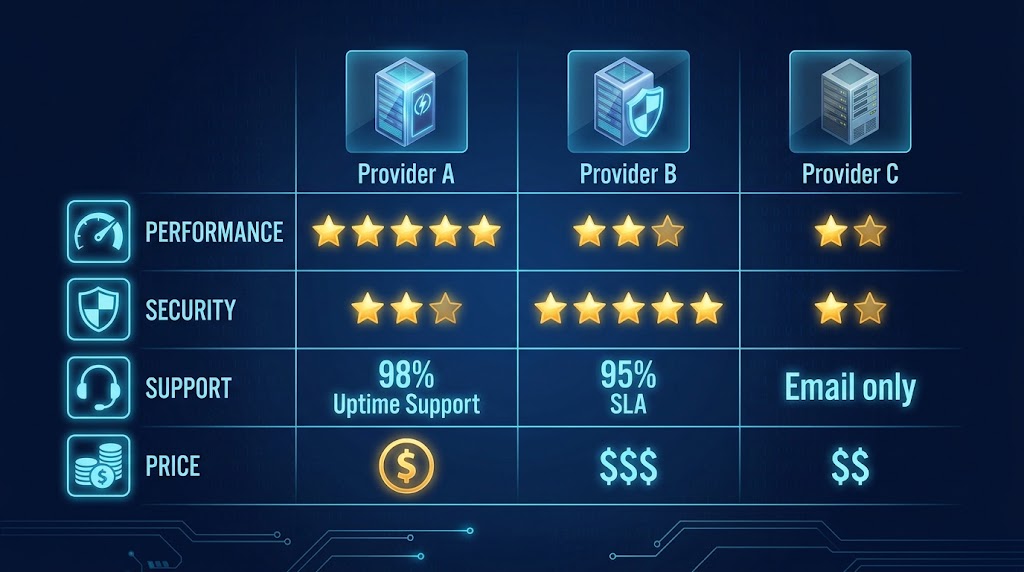
| Provider | Performance | Security | Developer Tools | Support | Backup | Price |
|---|---|---|---|---|---|---|
| Provider A | ⭐⭐⭐⭐⭐ | ⭐⭐⭐⭐ | ⭐⭐⭐⭐⭐ | ⭐⭐⭐⭐⭐ | ⭐⭐⭐⭐ | $$$ |
| Provider B | ⭐⭐⭐⭐ | ⭐⭐⭐⭐⭐ | ⭐⭐⭐ | ⭐⭐⭐ | ⭐⭐⭐⭐⭐ | $$ |
| Provider C | ⭐⭐⭐ | ⭐⭐⭐ | ⭐⭐⭐⭐ | ⭐⭐⭐⭐ | ⭐⭐⭐ | $ |
| Provider D | ⭐⭐⭐⭐ | ⭐⭐⭐⭐ | ⭐⭐⭐⭐⭐ | ⭐⭐⭐ | ⭐⭐⭐⭐ | $$$ |
10 Questions to Ask a Potential Host
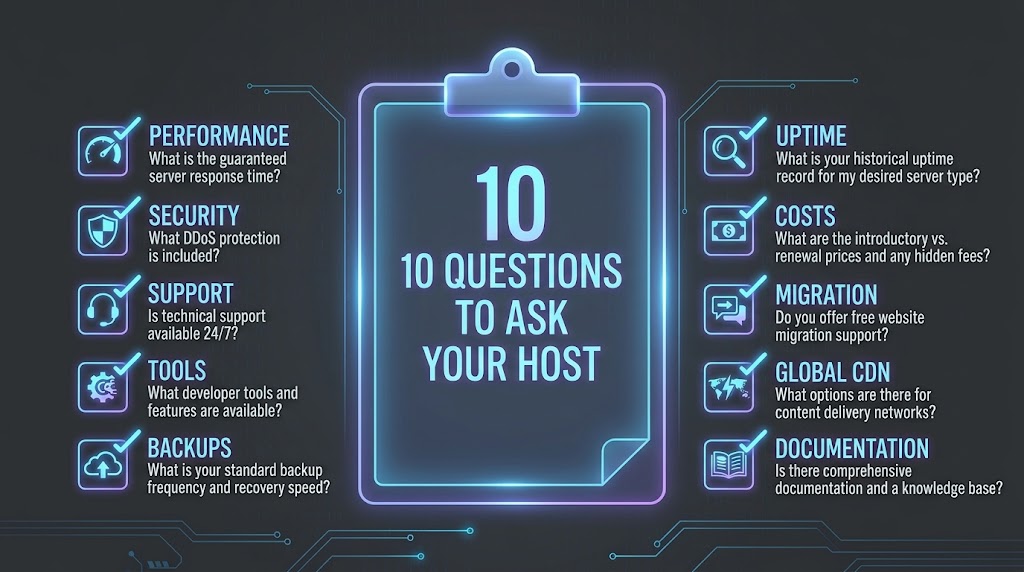
- What caching architecture do you use?
- How do you handle security at the server level?
- What developer tools do you provide?
- What is your support response time and expertise level?
- How often do you perform backups, and where are they stored?
- How does your platform scale during traffic spikes?
- What is your uptime guarantee, and what happens if you do not meet it?
- Can I easily migrate my site?
- What is the migration process?
- Do you provide staging environments?
Cyber Mickey’s Hosting Recommendations
Based on our evaluation criteria, here is what we recommend:
For Agencies
- Kinsta, WP Engine, or Rocket.net for robust features
- Kinsta for highest performance
- WP Engine for agencies that need deep developer tools
For Enterprise
- Cloudways for elastic scaling
- Wordfence for integrated security
- Pantheon for advanced developer workflows
For Budget-Conscious Teams
- Flywheel (great support at a lower price point)
- SiteGround (good value with developer features)
Final Thoughts
The right managed WordPress hosting partner should feel like an extension of your team: fast by architecture, secure at the server level, generous with developer tooling, staffed by real engineers, and disciplined about backups. Score every provider against the five criteria above and the decision becomes obvious.
Need help auditing your current host or migrating to a better one? Get in touch with Cyber Mickey — we handle migrations, performance tuning and hardening every day.
Recent Post

WP-CLI: 15 Commands Every WordPress Developer Should Know

10 Essential WordPress Design Plugins for a Modern.

From Figma to WordPress: A Designer’s Handoff Checklist

Accessibility in WordPress Design: Your Ethical and Legal.

