


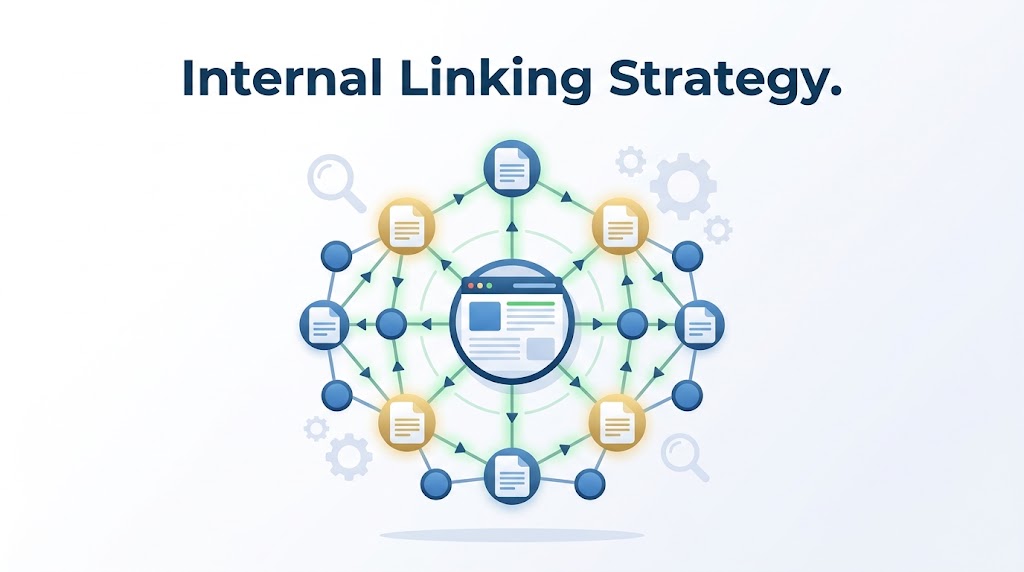
Internal links guide visitors (and Google) from one page to another. They keep people on your site longer and spread that sweet SEO power. Here’s how to build a smart internal linking strategy.
🔗 Why Internal Links Matter
- Improved Navigation: Users find related content easily
- Distributed Authority: Pass page rank to important pages
- Better Indexation: Search engines find pages more quickly
- Increased Engagement: Users stay on site longer
- Topic Clusters: Create logical groups of content
🏗️ The 3 Types of Internal Links
1. Navigational Links
Purpose: Help users move around your site
Examples: Menu items, footer links, sidebar links
2. Contextual Links
Purpose: Link to related content within text
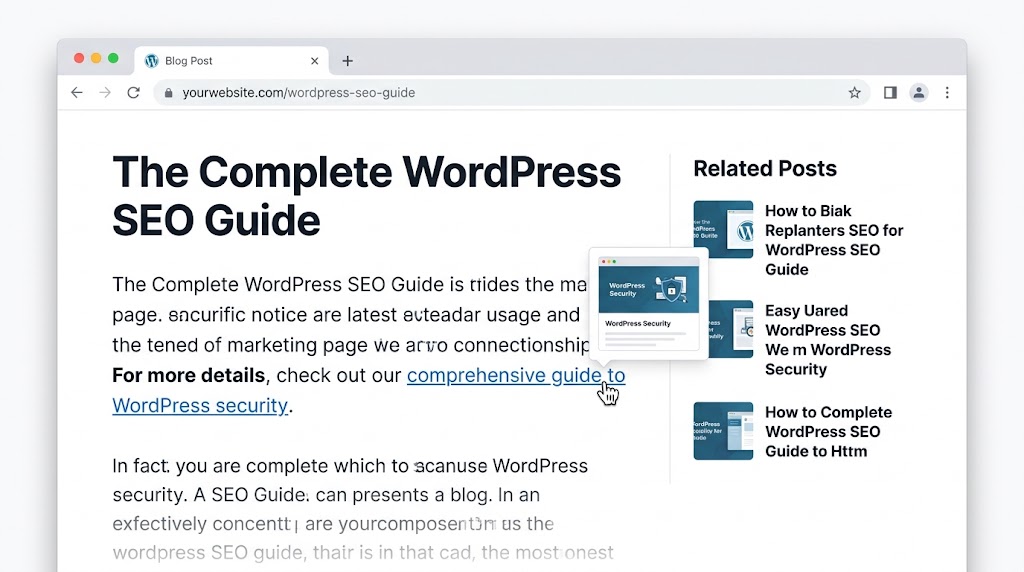
Examples: “Check out our guide on WordPress security” within a blog post
3. Breadcrumb Links
Purpose: Show users where they are
Examples: “Home > Blog > WordPress SEO > Internal Linking”
🧠 The Silos Strategy
What Is Content Silos?
A content silo is a logical grouping of content that covers a broad topic.
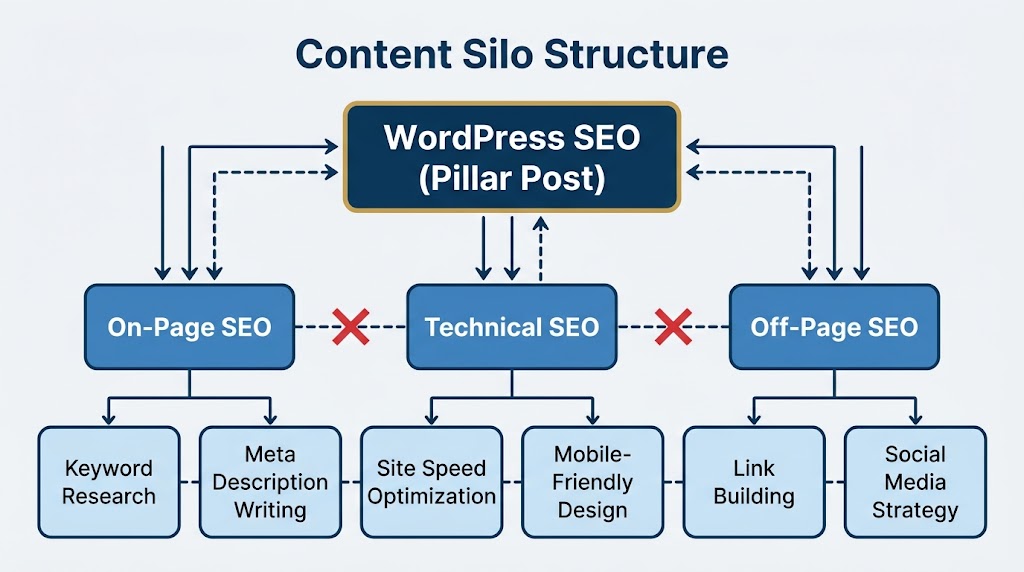
Example Structure:
WordPress SEO (Pillar Post)
├── On-Page SEO (Supporting Post)
│   ├── Keyword Research (Sub-post)
│   └── Meta Description Writing (Sub-post)
├── Technical SEO (Supporting Post)
│   ├── Site Speed Optimization (Sub-post)
│   └── Mobile-Friendly Design (Sub-post)
└── Off-Page SEO (Supporting Post)
    ├── Link Building (Sub-post)
    └── Social Media Strategy (Sub-post)
How to Link Within Silos:
- Pillar page links to all supporting posts
- Supporting posts link back to pillar page
- Supporting posts link to each other
- No links across silos (or very few)
📝 Best Practices for Internal Linking
1. Use Descriptive Anchor Text
❌ "Click here" or "read this article"
✅ "Check out our comprehensive guide to WordPress security"

Why? Search engines use anchor text to understand the linked page
Code language: PHP (php)
2. Link to Relevant Content
“Whenever you write a new post, link to older related posts”
Checklist:
- [ ] Link to one related pillar page
- [ ] Link to 2-3 supporting posts
- [ ] Link back to pillar from supporting posts
- [ ] Link to related content in the same silo
3. Update Old Content
“The problem with content silos is that it requires planning and will always be a work in progress. However, the effort is worthwhile for the SEO benefits.”
Content Freshness Strategy:
- Schedule a content review every 3–6 months
- For older content, add links to new content
- Update old posts to maintain relevance
- Merge thin content into deeper, more valuable articles
4. Manage Link Equity
Authority Distribution:
- Not all pages are created equal
- Pillar pages should get the most link juice
- Don’t dilute authority across too many links
- Link from high-authority pages to underperforming ones
🔧 Tools for Internal Linking
| Tool | Purpose |
|---|---|
| Yoast SEO | Shows linking suggestions |
| Internal Link Juicer | Automatically adds relevant links |
| Link Whisper | AI-powered suggestions |
| Google Search Console | See pages and their internal links |
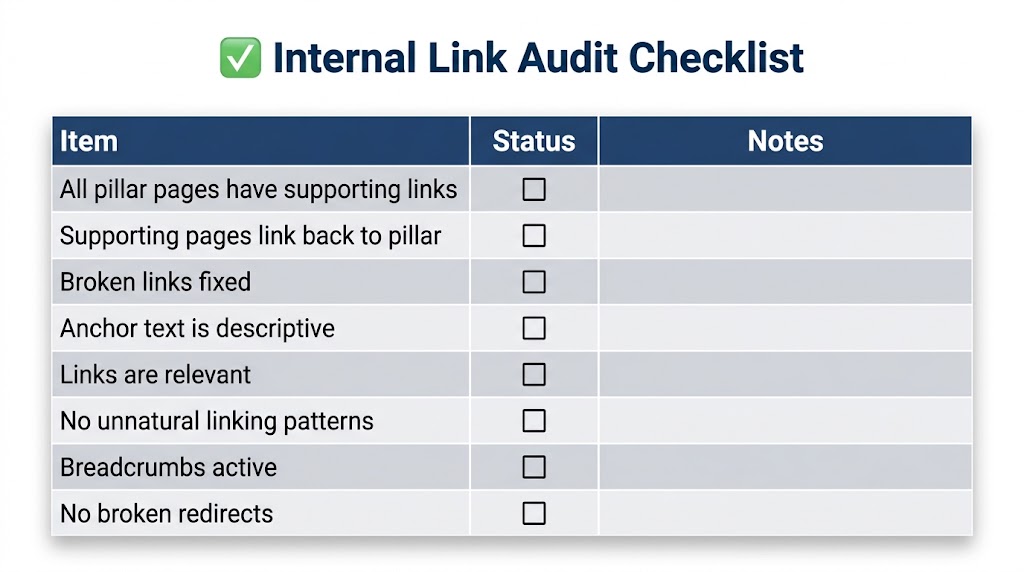
📊 Internal Link Audit Checklist
🎯 Common Internal Linking Mistakes
- Too many links: Over 100 links on a page dilutes value
- Irrelevant links: Links to unrelated content confuse users
- No deep linking: Only linking to homepage and blog page
- Broken links: Links that go to 404 pages
- Poor anchor text: “Click here” instead of descriptive text
- No editorial oversight: Random links added without thought
Recent Post

WP-CLI: 15 Commands Every WordPress Developer Should Know

10 Essential WordPress Design Plugins for a Modern.

From Figma to WordPress: A Designer’s Handoff Checklist

Accessibility in WordPress Design: Your Ethical and Legal.

