


Debugging WordPress: Fix the White Screen of Death and Other Errors
The White Screen of Death is every WordPress developer’s nightmare: a blank page, no error message, no clue what broke. This post walks you through fixing WSOD step by step—disabling plugins, switching themes, increasing PHP memory, and enabling debug mode properly. You’ll also learn how to fix upload failures, stuck maintenance mode, connection timeouts, and child theme errors. Includes a debugging flowchart, WP-CLI commands, and a full troubleshooting toolkit.
Internal Linking Strategies That Boost Your Rankings
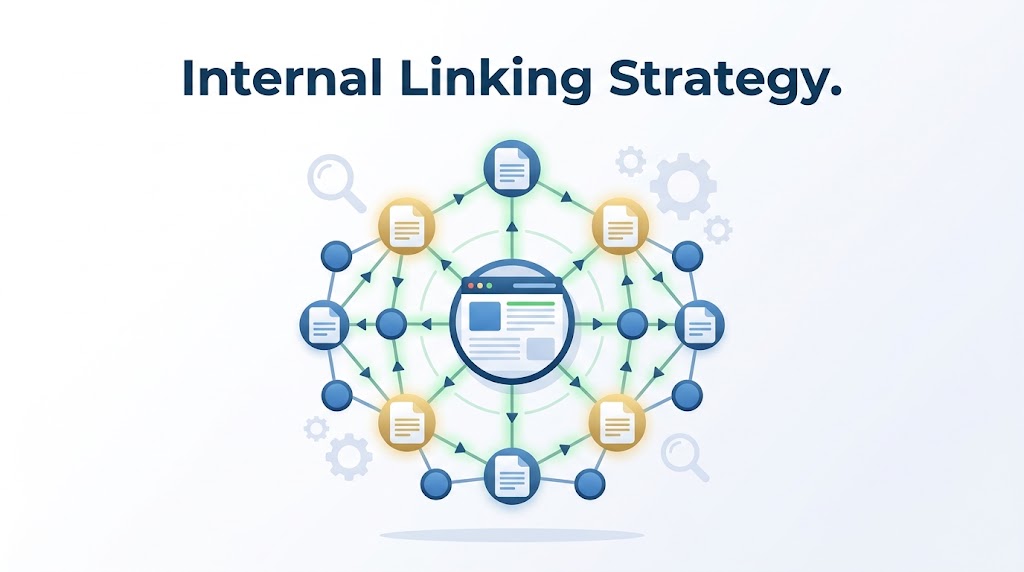
Internal links guide visitors (and Google) from one page to another—but most WordPress sites use them poorly. This post explains the three types of internal links, how to build content silos that distribute authority correctly, and the best practices for anchor text, link equity, and updating old content. Includes a link audit checklist, tool recommendations, and common internal linking mistakes to avoid. If your SEO is stuck, your internal linking strategy might be the missing piece.
