


With over 50,000 WordPress sites hacked every single day, choosing the right security plugin is one of the most important decisions you will ever make for your website. Two plugins dominate the conversation: Wordfence and iThemes Security. Both are powerful, both are trusted by millions of site owners, and both take a very different approach to protecting your site.
In this detailed comparison, we break down the features, pricing, strengths and weaknesses of each plugin — so you can decide which one is the right fit for your WordPress website.
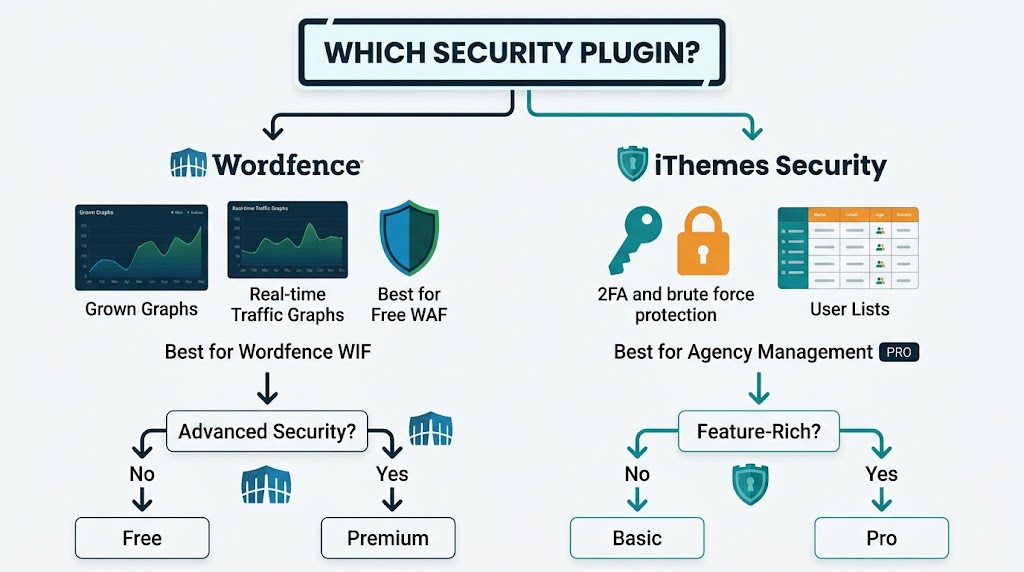
🔍 Wordfence
Overview
Wordfence is the most popular WordPress security plugin on the market, with a strong focus on threat detection and firewall protection. It is used by millions of sites worldwide and is known for its real-time security intelligence network.
Key Features
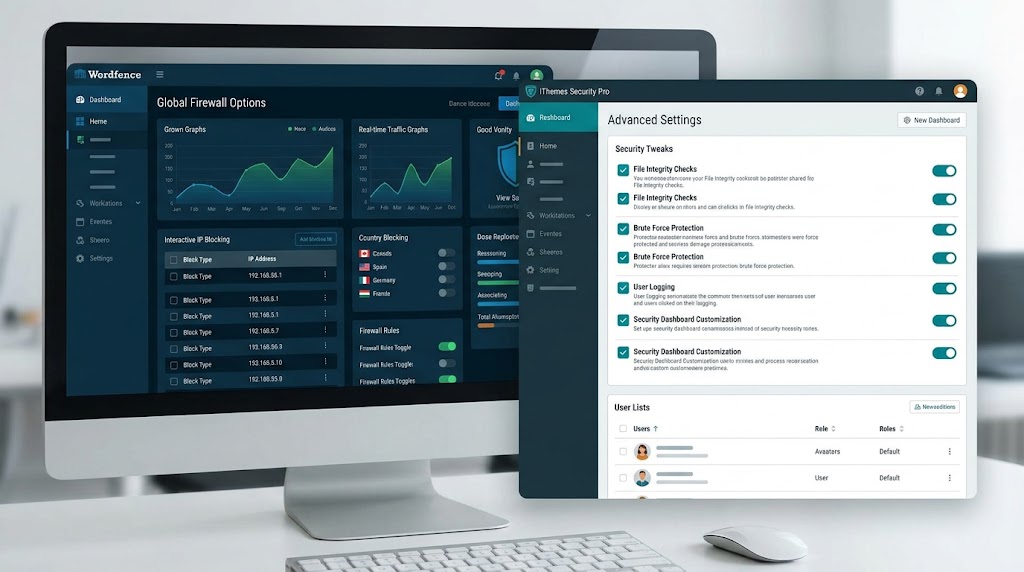
- Web Application Firewall (WAF)
- Malware Scanner — scans WordPress core, themes and plugins
- Login Security — 2FA, CAPTCHA and brute force protection
- Live Traffic Monitoring — view real-time traffic on your site
- Centralized Security Management for multiple sites
- Country Blocking — block entire countries from accessing your site
- Spam Protection — comment and registration spam filtering
Pricing
- Free: Basic WAF, malware scanner and login protection
- Premium: Advanced firewall rules, country blocking and real-time threat updates
Pros
- Real-time WAF integration
- Extensive logging and monitoring
- Excellent for single sites or multi-site networks
- Built-in speed optimization features
Cons
- Can be resource-intensive on lower-end hosting
- Premium pricing can be steep for agencies
- The interface can feel overwhelming for beginners
🛡️ iThemes Security (Formerly Better WP Security)
Overview
iThemes Security focuses on comprehensive site hardening delivered through a clean, user-friendly interface. It is especially popular with agencies and developers who manage multiple client websites.
Key Features
- Two-Factor Authentication (2FA)
- Brute Force Protection
- File Change Detection
- Network Brute Force Protection — shares attack data across sites
- Trusted Devices — device identification and management
- User Logging — track admin actions
- Site Scan — vulnerability detection
- Magic Links — prevent lockouts
- Passwordless Logins for privileged users
- Version Management — auto-updates vulnerable plugins
Pricing
- Free: Basic security features
- Pro: Advanced features plus the Pro Dashboard for centralized management
- Agency: Multi-site management
Pros
- Highly user-friendly interface
- Strong focus on admin security
- Pro Dashboard for agency management
- Extensive feature set
Cons
- The free version has fewer features than Wordfence Free
- Pro pricing is comparable to Wordfence Premium
- Some features require additional configuration
📊 Wordfence vs. iThemes Security: Feature Comparison Matrix
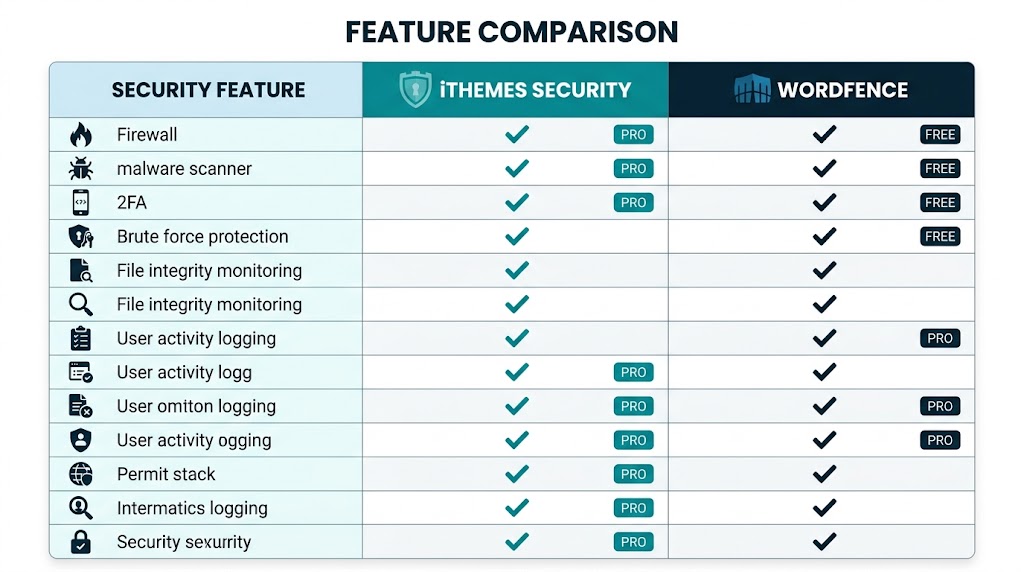
| Feature | iThemes Security | Wordfence | Winner |
|---|---|---|---|
| Web Application Firewall | ✅ (Pro) | ✅ (Free) | Wordfence |
| Malware Scanner | ✅ (Pro) | ✅ (Free) | Wordfence |
| Two-Factor Auth | ✅ (Free) | ✅ (Free) | Tie |
| Brute Force Protection | ✅ (Free) | ✅ (Free) | Tie |
| File Change Detection | ✅ (Free) | ✅ (Free) | Tie |
| Network Protection | ✅ (Free) | ✅ (Pro) | iThemes |
| Trusted Devices | ✅ (Free) | ❌ | iThemes |
| User Logging | ✅ (Free) | ❌ | iThemes |
| Country Blocking | ✅ (Pro) | ✅ (Pro) | Tie |
| Live Traffic Monitor | ❌ | ✅ (Free) | Wordfence |
| Centralized Management | ✅ (Pro) | ✅ (Pro) | Tie |
| Passwordless Logins | ✅ (Pro) | ❌ | iThemes |
| Site Scan | ✅ (Pro) | ✅ (Free) | Wordfence |
🎯 Which Plugin Should You Choose?
Choose iThemes Security If…
- You manage multiple sites as an agency
- You want strong 2FA and user management features
- You prefer a user-friendly interface
- You want advanced admin activity logging
- You are comfortable with Pro pricing for the extra features
Choose Wordfence If…
- You need a robust, free Web Application Firewall
- You want real-time traffic monitoring
- You run a single site — the free version is excellent
- You want strong malware scanning at no cost
- You are on a budget but need comprehensive protection
🛠️ Implementation Checklist
For Both Plugins
- Install and activate the plugin
- Enable Two-Factor Authentication
- Enable brute force protection
- Turn on file change detection
- Enable user logging (admin actions)
- Review and adjust security settings
- Run an initial scan
- Set up email notifications
iThemes Security Specific
- Set up Network Brute Force Protection
- Configure Trusted Devices
- Enable Passwordless Logins for admins
- Set up Magic Links
- Enable Version Management
Wordfence Specific
- Configure WAF rules
- Set up Live Traffic monitoring
- Configure country blocking (premium)
- Adjust scan frequency
- Set up spam protection
The Bottom Line
There is no single “best” WordPress security plugin — there is only the best plugin for your situation. If you want the strongest free firewall and malware scanning, Wordfence is the clear winner. If you manage multiple client sites and want superior admin hardening, logging and access control, iThemes Security is the better long-term investment.
Either way, do not leave your website unprotected. Install one of these plugins today, work through the checklist above, and keep your WordPress site — and your visitors’ data — safe.
Need help hardening your WordPress website? Get in touch with Cyber Mickey — a full-service web development company.
Recent Post

WP-CLI: 15 Commands Every WordPress Developer Should Know

10 Essential WordPress Design Plugins for a Modern.

From Figma to WordPress: A Designer’s Handoff Checklist

Accessibility in WordPress Design: Your Ethical and Legal.

