


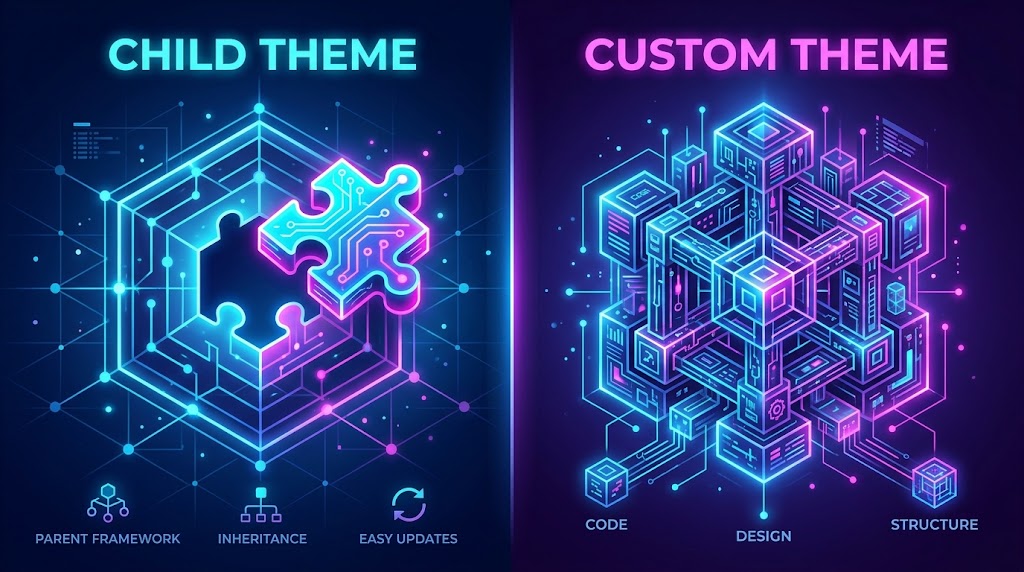
Child Themes vs. Custom Themes: Which Should You Choose?
One of the most common decisions in WordPress development is whether to build a child theme or create a custom theme from scratch. Both approaches have their place. Here’s how to choose wisely.
🤔 Understanding the Options
Child Theme: A theme that inherits all the functionality and styling of a parent theme, allowing you to make modifications without changing the parent.
Custom Theme: A completely custom-built theme with no reliance on any parent theme.
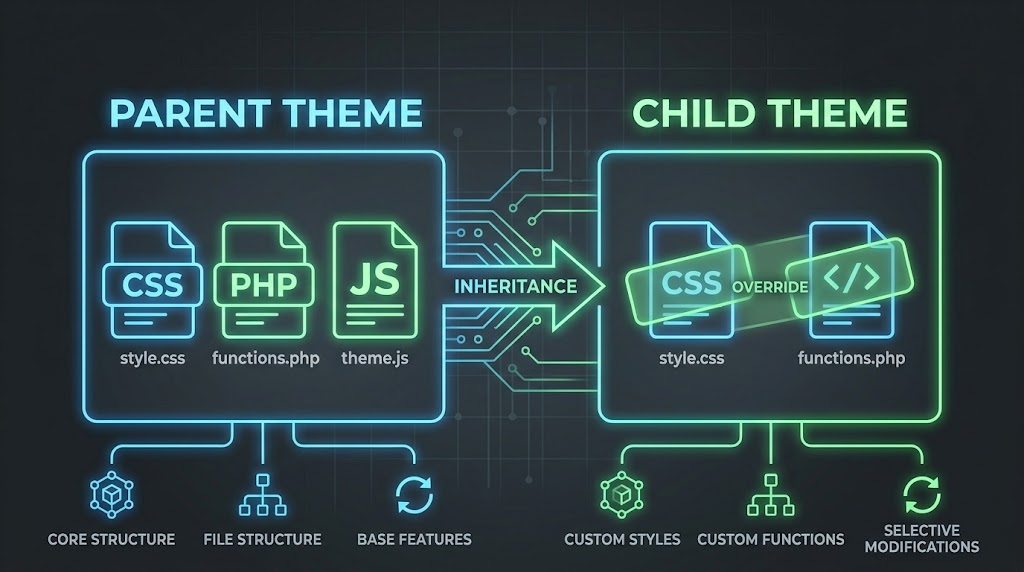
🔍 When to Use a Child Theme
You’re working with a fast-moving parent theme (like TwentyTwentyFour or GeneratePress)
When:
- You want to build quickly using a well-tested base
- You’re not sure about the long-term maintenance burden
- The parent theme has features you need
- You have tight budget constraints
Benefits:
- Updates from the parent theme keep the site secure
- Built-in functionality reduces custom code
- Faster initial development time
Example Child Theme structure:
// style.css
/*
Theme Name: Cyber Mickey Child
Theme URI: https://cybermickey.com
Description: Child theme for the Twenty Twenty-Four theme
Author: Cyber Mickey
Author URI: https://cybermickey.com
Template: twentytwentyfour
Version: 1.0.0
*/

// functions.php
<?php
function cybermickey_child_enqueue_styles() {
    wp_enqueue_style(
        'parent-style',
        get_template_directory_uri() . '/style.css'
    );
}
add_action('wp_enqueue_scripts', 'cybermickey_child_enqueue_styles');

// Override parent functions
function cybermickey_child_modify_parent_function() {
    // Custom implementation
}
?>

// template-parts/content.php (override parent template)
// Copy the template from parent directory and modify
Code language: PHP (php)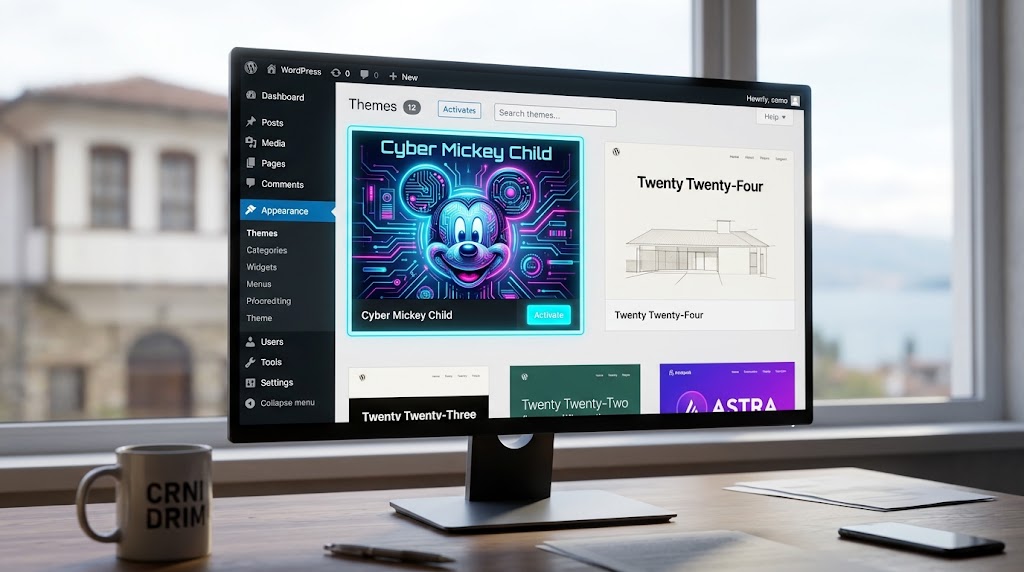
🔧 When to Use a Custom Theme
When:
- You have complex, unique design requirements
- The client wants no restrictions
- You’re building a full-blown custom solution
- The parent theme would just be a “wrapper” for your code
Benefits:
- Full creative control
- No bloat from unused parent theme code
- No dependency on parent theme updates
- Cleaner, more maintainable code
Example Custom Theme structure:
/my-theme/
├── style.css
├── functions.php
├── index.php
├── front-page.php
├── single.php
├── page.php
├── archive.php
├── 404.php
├── search.php
├── header.php
├── footer.php
├── sidebar.php
├── /template-parts/
├── /assets/
│   ├── /css/
│   ├── /js/
│   └── /images/
└── /inc/
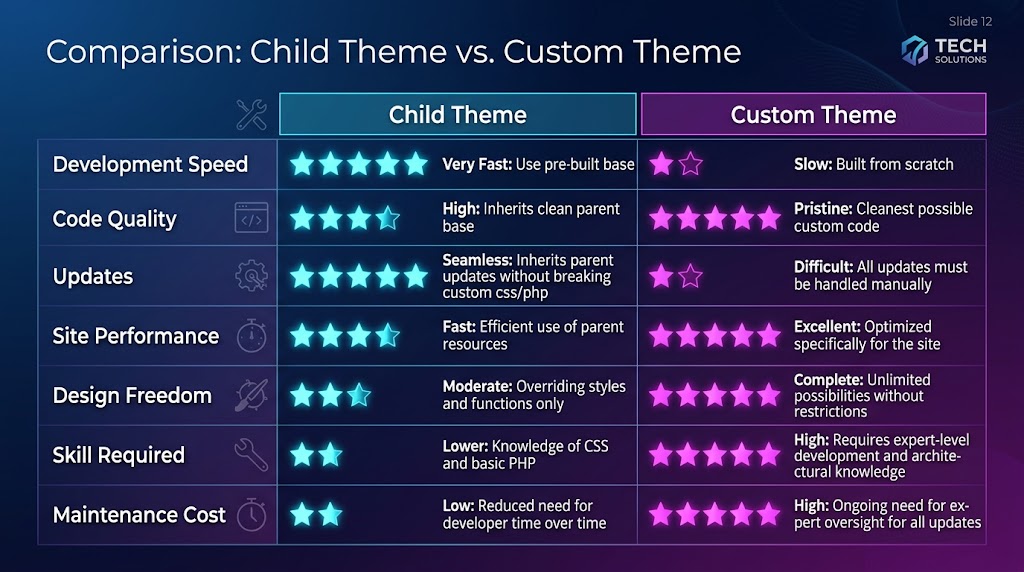
⚖️ The Decision Matrix
| Factor | Child Theme | Custom Theme |
|---|---|---|
| Development Speed | ⭐⭐⭐⭐⭐ Fast | ⭐⭐⭐ Moderate |
| Code Quality | ⭐⭐⭐ Variable | ⭐⭐⭐⭐⭐ Excellent |
| Updates | ⭐⭐⭐⭐⭐ Easy | ⭐⭐⭐⭐ Manual |
| Site Performance | ⭐⭐⭐⭐ Good | ⭐⭐⭐⭐⭐ Best |
| Design Freedom | ⭐⭐⭐ Limited | ⭐⭐⭐⭐⭐ Total |
| Skill Required | ⭐⭐ Low | ⭐⭐⭐⭐ High |
| Maintenance Cost | ⭐⭐ Low | ⭐⭐⭐⭐ Medium |
💡 Expert Opinion
“Leverage Core WordPress + Jetpack Features. Using core WordPress features (Custom Header, Custom Logo, Widgets, Posts, Pages, etc.) in your site architecture ensures that a site will be scalable and maintainable over time” .
This advice applies to both child and custom themes. The best themes leverage built-in WordPress functionality regardless of whether they’re child or custom.
🔄 The Hybrid Approach
Many agencies use a hybrid model:
- Start with a custom theme for the base design system
- Use a child theme for client-specific customizations
- Leverage core features instead of custom code
Pro Tip: “Try to re-use modules throughout your designs instead of creating multiple different versions that accomplish the same function” . This applies to code too—don’t reinvent the wheel when WordPress already provides solutions.
📋 Theme Decision Checklist
| Question | Yes/No | Conclusion |
|---|---|---|
| Does the client have unique design requirements? | ||
| Is the budget tight? | ||
| Will the site need future updates? | ||
| Is the development team experienced with advanced PHP? | ||
| Are there complex custom post types needed? | ||
| Will the site use advanced caching? | ||
| Does the site need to be 100% W3C compliant? | ||
| Is there a preferred parent theme? |
Scoring:
- 5+ Yes answers: Consider Custom Theme
- 3-4 Yes answers: Hybrid approach
- 0-3 Yes answers: Child Theme recommended
Recent Post

WP-CLI: 15 Commands Every WordPress Developer Should Know

10 Essential WordPress Design Plugins for a Modern.

From Figma to WordPress: A Designer’s Handoff Checklist

Accessibility in WordPress Design: Your Ethical and Legal.

