


WP-CLI: 15 Commands Every WordPress Developer Should Know

If you’re still updating plugins through the WordPress admin panel, you’re working too slow. WP-CLI is the command-line tool that lets you update core, manage users, export databases, run search-replace, and generate test content in seconds. This post covers the 15 WP-CLI commands every developer should know, with real examples and two automation scripts for daily maintenance and site migrations. Includes an efficiency comparison showing how WP-CLI is up to 900x faster than the admin panel.
10 Essential WordPress Design Plugins for a Modern Website
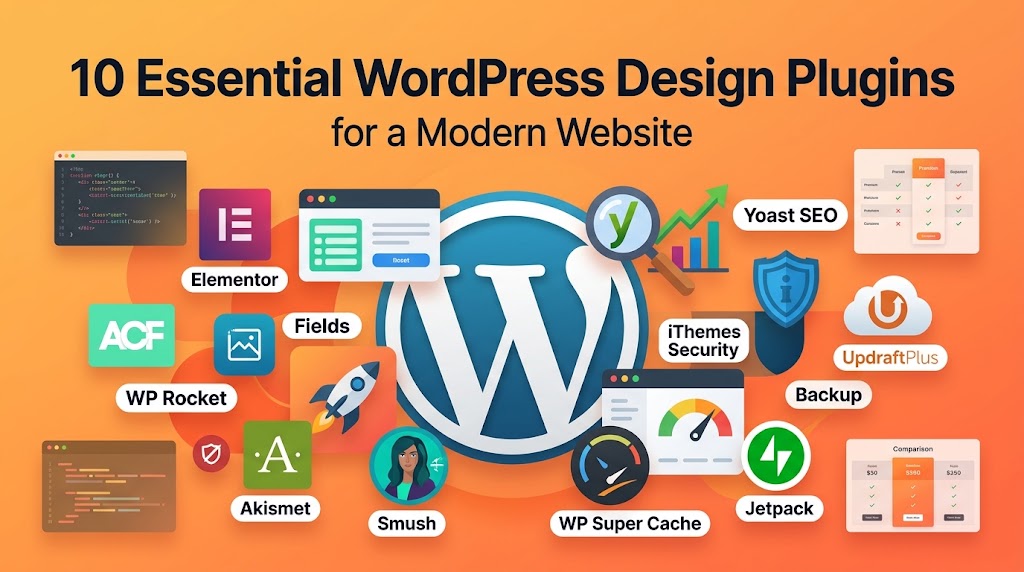
The right plugins can turn WordPress into a full design studio—but the wrong ones will crush your site speed. This post reviews 10 essential WordPress design plugins (from ACF and Elementor to WP Rocket and Yoast SEO), explains when to use each one, and shows their performance impact. You’ll learn the golden rule of plugin management, how to avoid conflicts, and a smart checklist for keeping your plugin stack lean and fast.
From Figma to WordPress: A Designer’s Handoff Checklist
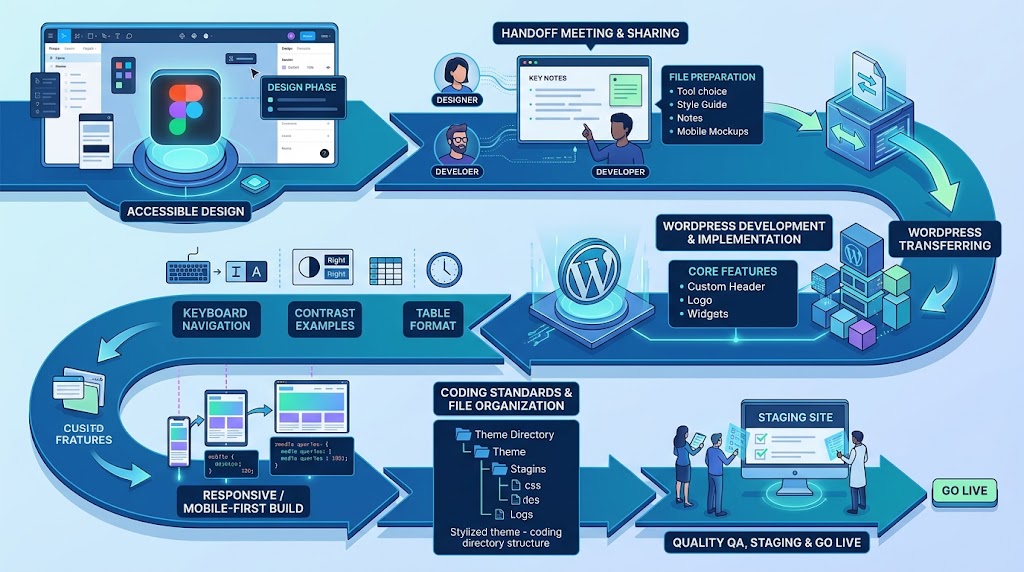
The handoff between design and development is where most projects stall. Missing notes, unlicensed fonts, and designs that ignore Gutenberg’s structure lead to endless revision cycles. This guide gives you a complete Figma-to-WordPress handoff checklist—what to document, which screens to mock up, how to prepare assets, and how to communicate with developers so your vision actually ships. Includes a downloadable-style checklist table and WordPress coding structure examples.
Accessibility in WordPress Design: Your Ethical and Legal Guide
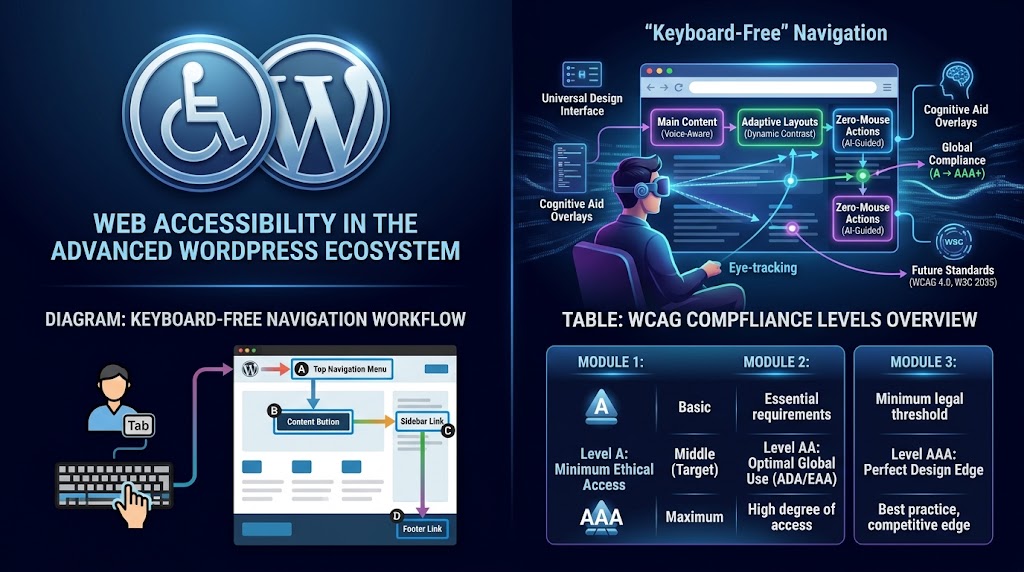
Over 1 billion people live with a disability—and accessibility lawsuits are rising every year. This guide covers the five most common accessibility mistakes in WordPress design (poor contrast, missing alt text, broken heading structure, keyboard traps, and missing ARIA labels) and shows you exactly how to fix them with code. You’ll also learn why accessibility and SEO are deeply connected, plus a testing checklist and the essential WordPress accessibility plugins.
